Disaster Recovery 101: The Essential Role of a Breakglass Account
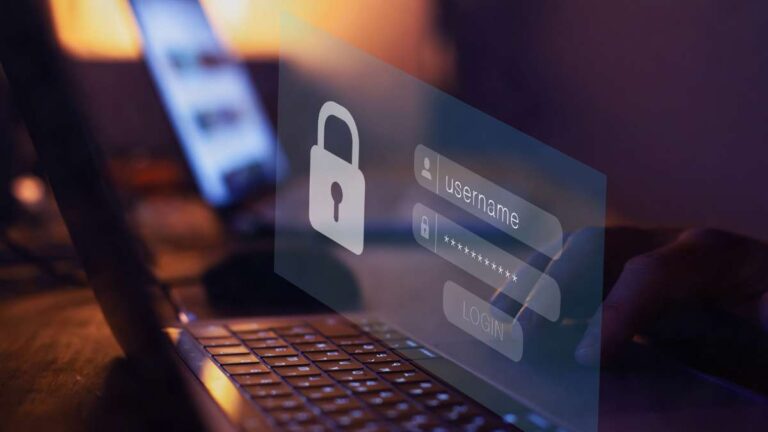
Imagine a typical Monday morning. Your entire company relies on Single Sign-On (SSO) and Multi-Factor Authentication (MFA) to get work done. Everything is running smoothly until the unthinkable happens. The identity provider fails, or a misconfiguration in Conditional Access locks everyone out.
Suddenly, the tools that keep your business alive are unreachable. Emails stop flowing, Teams goes silent, and even your global administrators are staring at a “login denied” screen. This is not a hypothetical nightmare; it is a reality many IT teams face when their security layers become the very thing that paralyzes them.
We experienced this ourselves at Nurture IT when something broke within Microsoft Authenticator. Every account had MFA enforced through the app. It was a perfect security setup on paper, right until the security layer itself failed. No Outlook, no OneDrive, and absolutely no access to the admin portal.
We had to coordinate with Microsoft support multiple times before access was finally restored. It was a lesson learned the hard way about the necessity of a Breakglass Account. If you don’t have one, you are essentially driving a car without a manual release for the electronic locks.
What is a Breakglass Account?
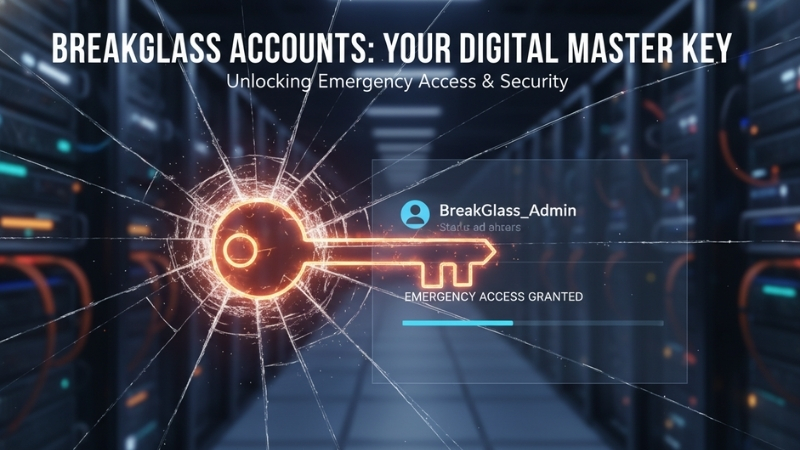
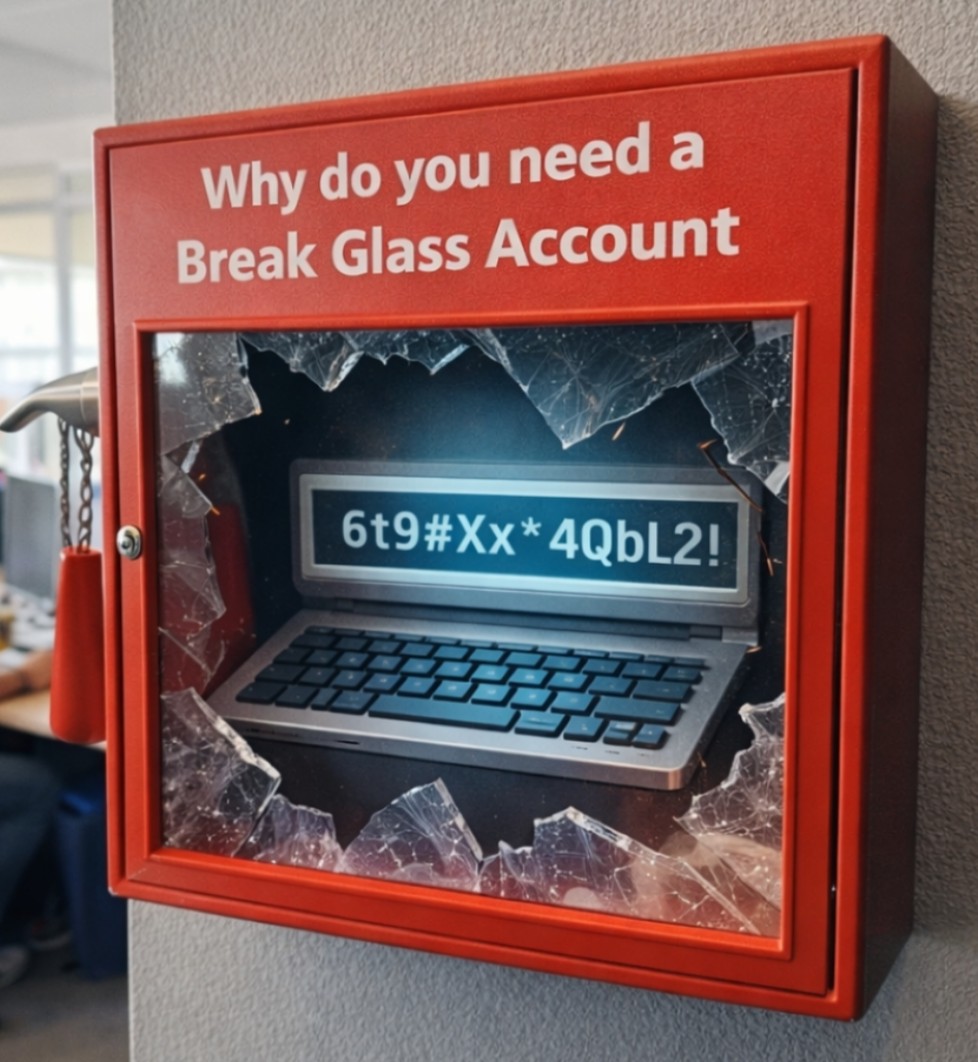
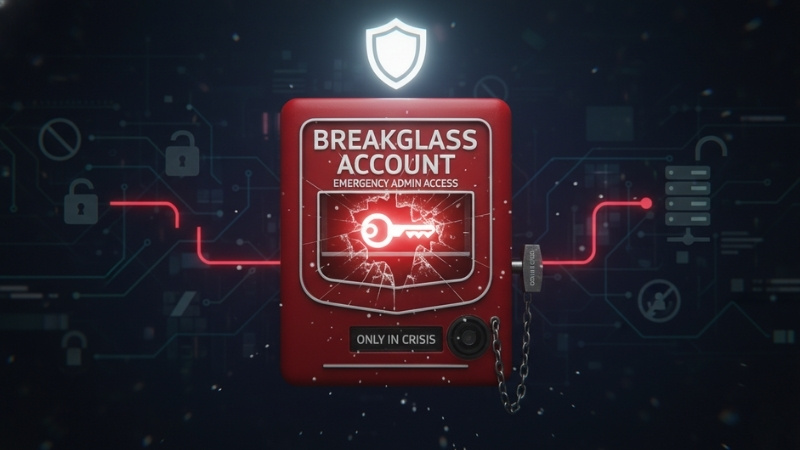
A Breakglass Account is an emergency admin account used only when every other access method fails. Think of it like a fire alarm behind a glass panel. You don’t touch it during normal operations, but in a crisis, it is the only thing standing between you and a total blackout.
In environments like Microsoft 365, Azure, or AWS, this account is a highly privileged administrative identity. However, unlike your daily admin accounts, it is not tied to SSO and it is not dependent on MFA apps that could fail. It is your ultimate “fail-safe” mechanism.
Because a Breakglass Account holds so much power, it must be protected with an exceptionally strong password and monitored with extreme scrutiny. It is rarely used, but when it is, it needs to work immediately without jumping through the hoops that locked you out in the first place.
Best Practices for Securing Your Breakglass Account
While this account is a lifesaver, it can also be a liability if handled poorly. If not secured properly, it becomes the most dangerous account in your entire company. You are essentially creating a master key, so you need to be smart about where that key is kept.
First, keep the account cloud-only. You should never sync it with your on-premise Active Directory. This ensures that if your local server environment is compromised or fails, your emergency access remains isolated and functional.
Second, you must explicitly exclude this account from Conditional Access policies and MFA requirements. It feels counter-intuitive for a security professional to suggest turning off MFA, but for a Breakglass Account, it is a functional requirement. If the MFA service is down, the account must still work.
Maintaining Your Emergency Access
Storage and monitoring are where most companies drop the ball. You should store the credentials for your Breakglass Account offline in a secure physical safe. Access to this safe should ideally require dual control, meaning two separate people are needed to retrieve the password.
Furthermore, you should enable real-time login alerts for any usage of this account. Since it should never be used for daily tasks, any login attempt is either a major emergency or a major security breach. You need to know the second someone touches it.
It is also vital to avoid assigning unnecessary licenses to this account. It isn’t for browsing the web or checking emails; it is for fixing the environment. Reset the password immediately after every single use and test the account periodically to ensure the “glass” can actually be broken when needed.
Resilience is Not Optional
If your organization depends heavily on cloud identity, having a Breakglass Account is not a luxury or a “nice-to-have.” It is a fundamental component of basic IT resilience planning. Relying solely on a single path of authentication is a single point of failure.
Treat your Breakglass Account strictly as a last-resort tool. It is not for convenience, and it is certainly not a backup for your daily admin duties. It is your survival switch. When the digital doors are slammed shut, this is the only way back inside.
If you are worried about your current security configuration or need help setting up a resilient IT infrastructure, we are here to help. Reach out to us at Nurture IT to ensure your business stays online, no matter what breaks.
About Nurture IT
Nurture IT, one of the leading IT service providers in Bangalore offers customized scalable technology solutions specifically designed for our client’s unique needs.
As a preferred partner to technology leaders like Lenovo, Dell, Apple, HP, Asus, Tata, Google, Microsoft, Cisco, Sophos, Jamf, Soti, Fortinet, Poly, Octa, Seclore, Seqrite we deploy the most advanced business technology solutions to ensure optimal reliability, productivity, and value.
Our B2B branch, Nurture IT, adeptly serves corporate and scaling-up demands. Conversely, for those not anticipating immediate growth, our Retail division – Laptop World caters to your specific needs. Make an informed choice aligned with your organizational trajectory and immediate necessities.