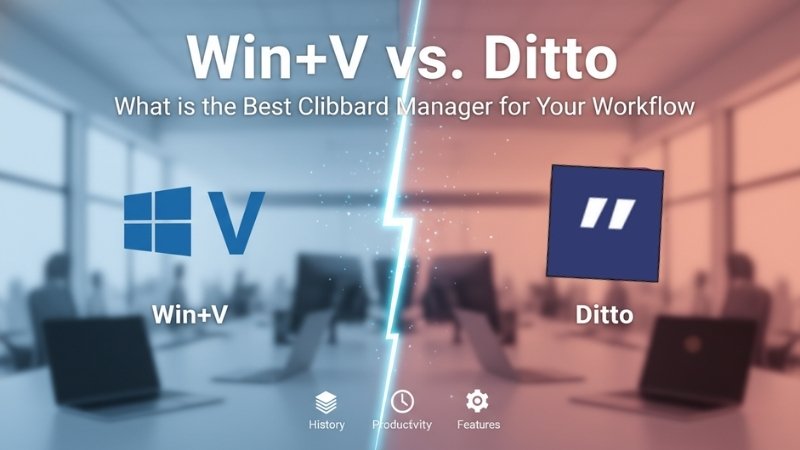
Win+V vs. Ditto: What is the Best Clipboard Manager for Your Workflow
We have all been there: you copy a client’s address, then a specific pricing line, and finally a serial number. Suddenly, you realize you need that first address again, but it is gone.
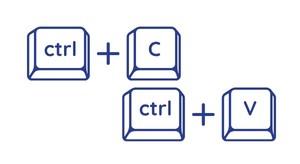
In the standard world of computing, your most recent “copy” command overwrites the previous one. It is a primitive way to work. Thankfully, Windows actually has a built-in solution that serves as a basic Clipboard Manager. Most users are just one keyboard shortcut away from salvation.
If you press Win + V, you will see your clipboard history pop up. It is simple, built-in, and requires absolutely no installation. For light usage, this native tool works just fine. However, if you are a power user, you will quickly find that this basic Clipboard Manager has some annoying catches.
Why Your Built-in Clipboard Manager Isn’t Enough
The Windows version is better than nothing, but its history is strictly limited to roughly 20 to 25 items. If you are doing heavy research or data entry, that buffer fills up faster than a free buffet at a tech conference. Once it is full, your oldest snippets start disappearing forever.
Furthermore, the sync feature depends entirely on your Microsoft account. If you have cloud sync enabled, your clipboard data passes through Microsoft servers. For those of us who value privacy or work with sensitive data, letting a third-party server see everything we copy is a massive red flag for a Clipboard Manager.
This is exactly where a tool like Ditto comes in. Ditto is a free, open-source Clipboard Manager for Windows that turns your temporary clipboard into a powerful, searchable archive. It is built for people who live and breathe the copy-paste lifestyle and need something that actually keeps up with them.
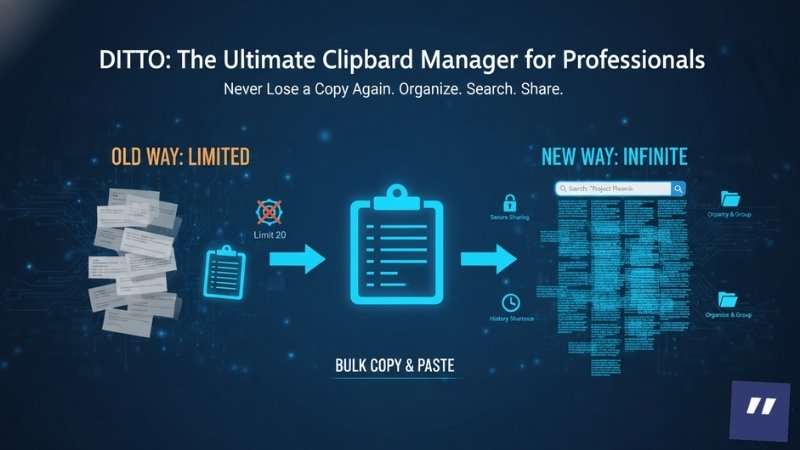
Ditto: The Ultimate Clipboard Manager for Professionals
Instead of just holding twenty measly items, Ditto can store thousands of entries. It offers proper, fast search capabilities, allowing you to find a snippet you copied three days ago in seconds. It is the difference between having a post-it note and having a library.
A professional Clipboard Manager like Ditto also allows for much better organization. You can group your clips, maintain a reliable history even across system reboots, and even share your clipboard securely between your own systems. It essentially gives you a photographic memory for every piece of text you have touched.
Efficiency is Not Optional
If you find yourself constantly flipping back and forth between tabs to re-copy the same five pieces of information, you are wasting time. Using a dedicated Clipboard Manager eliminates that friction. It allows you to “bulk copy” everything you need and then “bulk paste” it into your destination without the headache.
In a fast-paced IT environment, every second spent hunting for a lost line of code or a client’s email address is a second wasted. A searchable Clipboard Manager is not just a “nice-to-have” utility; it is a fundamental tool for anyone who wants to be taken seriously as a productive professional.
About Nurture IT
Nurture IT, one of the leading IT service providers in Bangalore offers customized scalable technology solutions specifically designed for our client’s unique needs.
As a preferred partner to technology leaders like Lenovo, Dell, Apple, HP, Asus, Tata, Google, Microsoft, Cisco, Sophos, Jamf, Soti, Fortinet, Poly, Okta, Seclore, Seqrite we deploy the most advanced business technology solutions to ensure optimal reliability, productivity, and value.
Our B2B branch, Nurture IT, adeptly serves corporate and scaling-up demands. Conversely, for those not anticipating immediate growth, our Retail division – Laptop World caters to your specific needs. Make an informed choice aligned with your organizational trajectory and immediate necessities.